

Free Clover Device + $99 shipping
with our program - cut processing fees to zero (customer covers it)
Clover Go
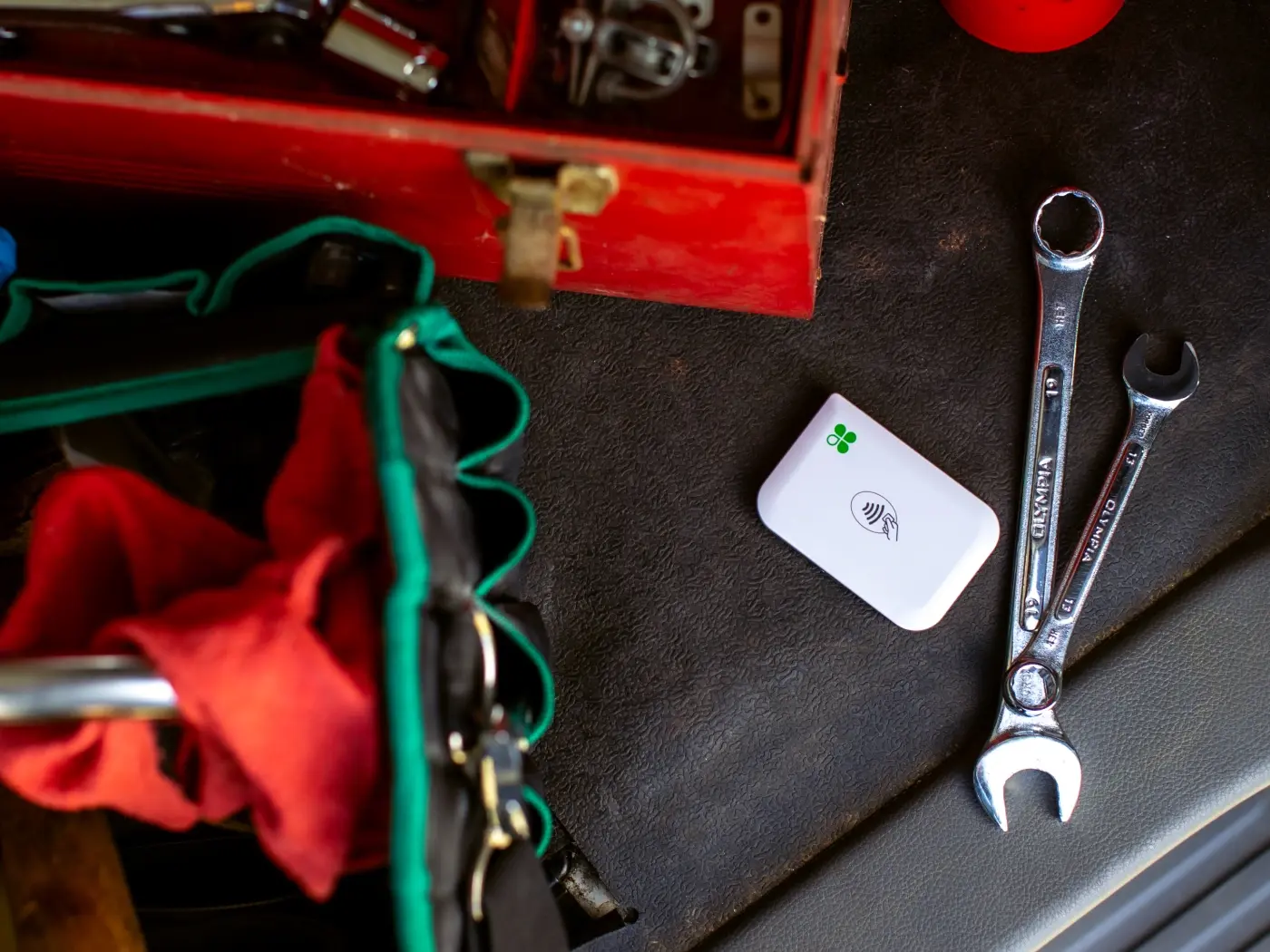
Connect with WiFi or Cellular Internet and get the power of POS wherever you conduct business. Pair this portable card reader with your phone or tab to take payments.
Mobile POS Device
Do Business Anywhere you go
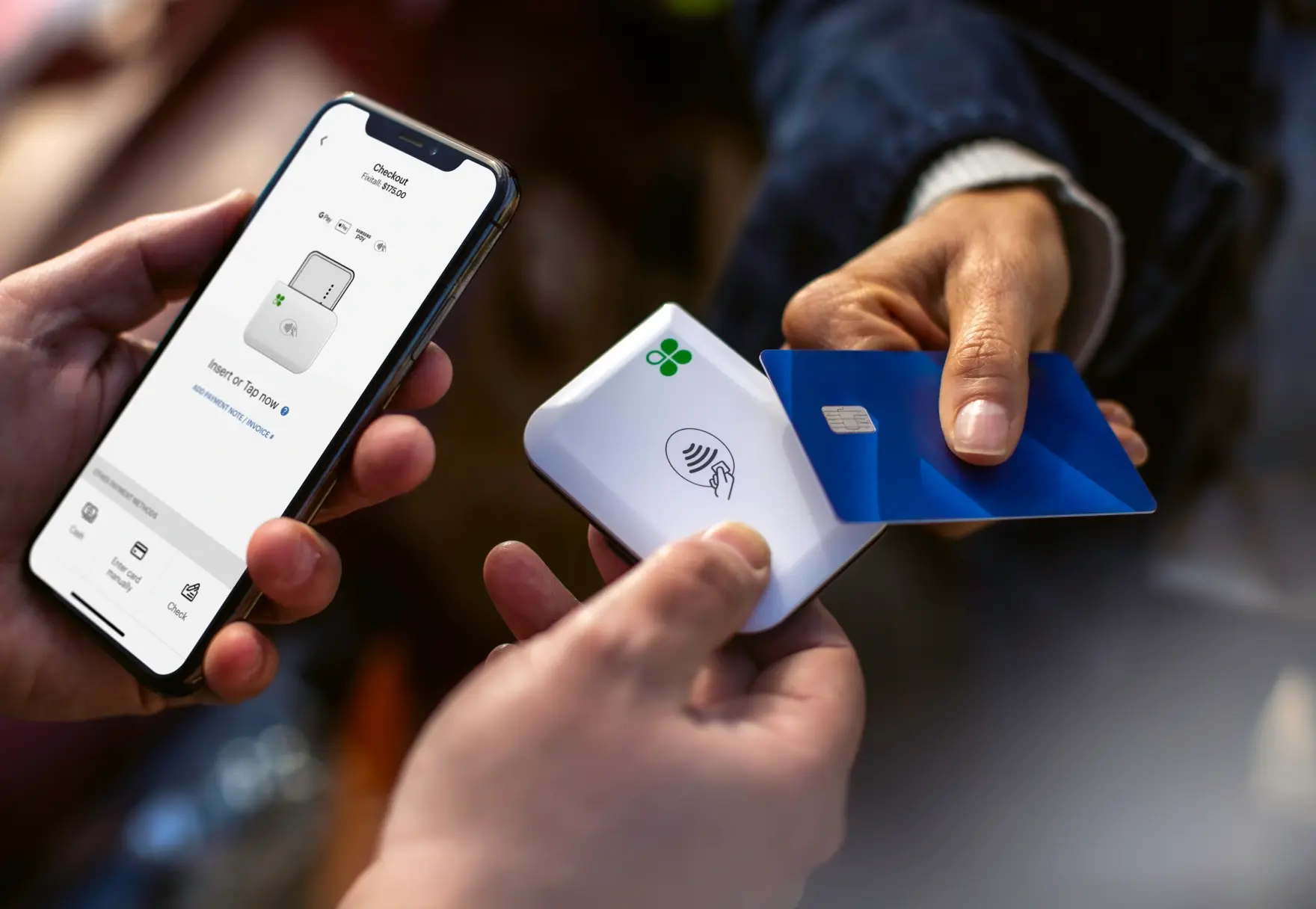
Accept all major credit and debit cards, use card chip or mobile wallet contactless payments. Plus, take Tap-to-Pay on iPhone while running the Clover Go App
Power in palm of your hand. The Clover Go app is easy to download and intuitive to use so you can start processing sales with your mobile device and optional Go card reader right away
Order Management- Modify, delete, add items, and take payments later without closing the transaction. Enable quick one-tap tipping, and handle full or partial refunds, returns, and exchanges effortlessly
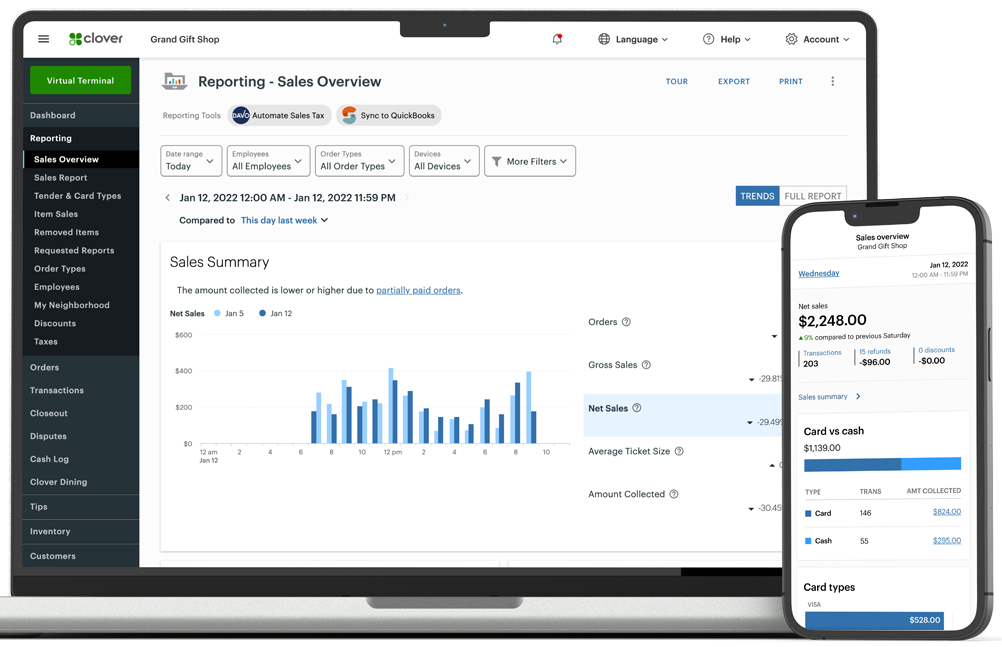
Track and Manage Your Business
Access 24/7 from your device to track your sales and what’s most important to your business. Stay on top of your business from anywhere, with everything synced to the Clover Dashboard. Monitor open, pending, and completed transactions – whether they’re created from your Clover Go on mobile devices, Clover Go reader, or another Clover device.
iOS and Android Compatible
The Clover Go app is compatible with all major operating systems, so it works seamlessly on any mobile device. It’s also specially optimized for Apple iPad displays
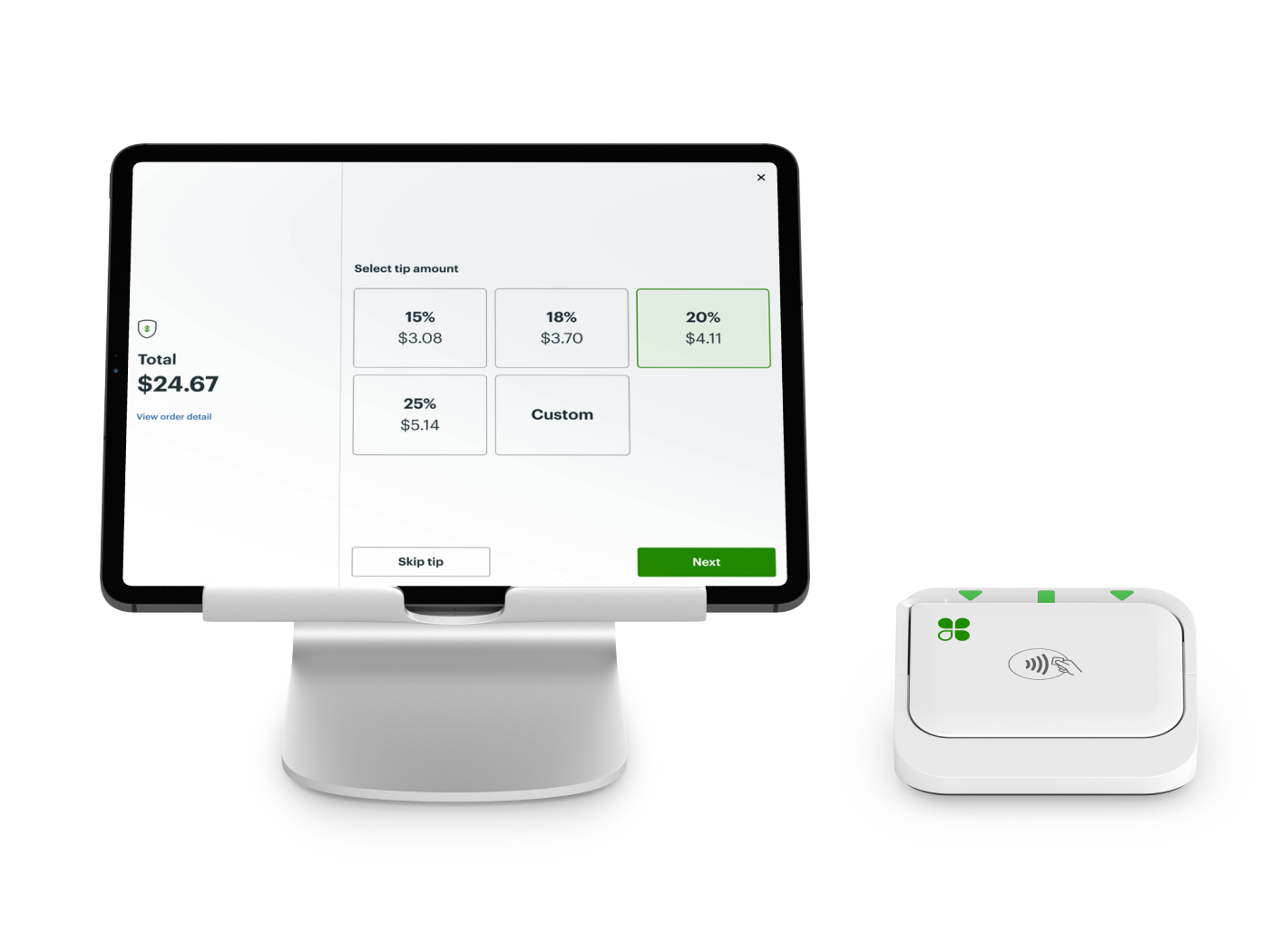
Configured to suit your needs by setting your business’s discount, tip, and tax rates directly through the POS dashboard on your mobile device. Automatically apply service or delivery charges.
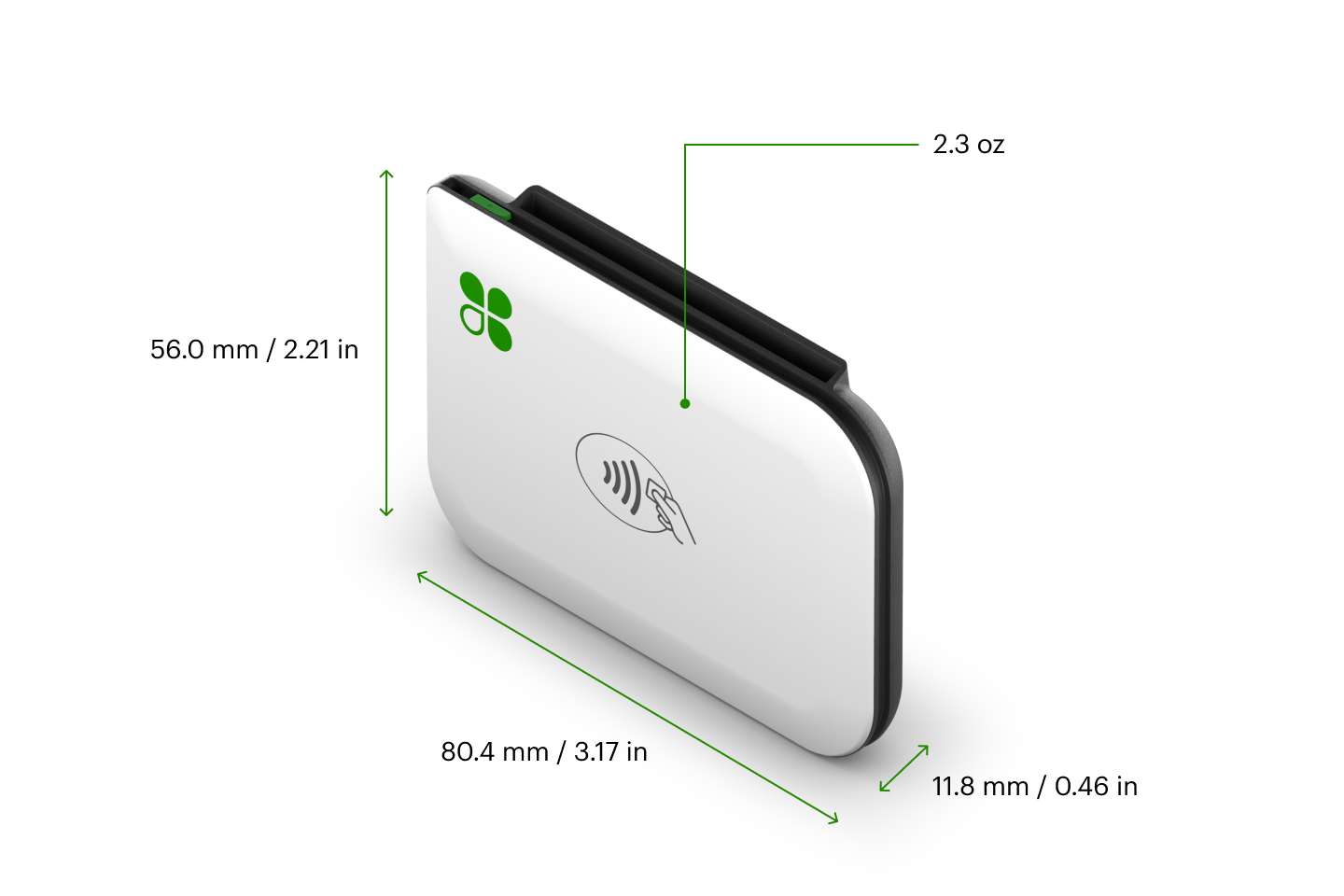
Countertop Adaptable
Mount your Clover Go reader to the Go Dock to accept card payments securely on a countertop. The USB charging port enables continuous use of the Clover Go reader without removal from the dock.
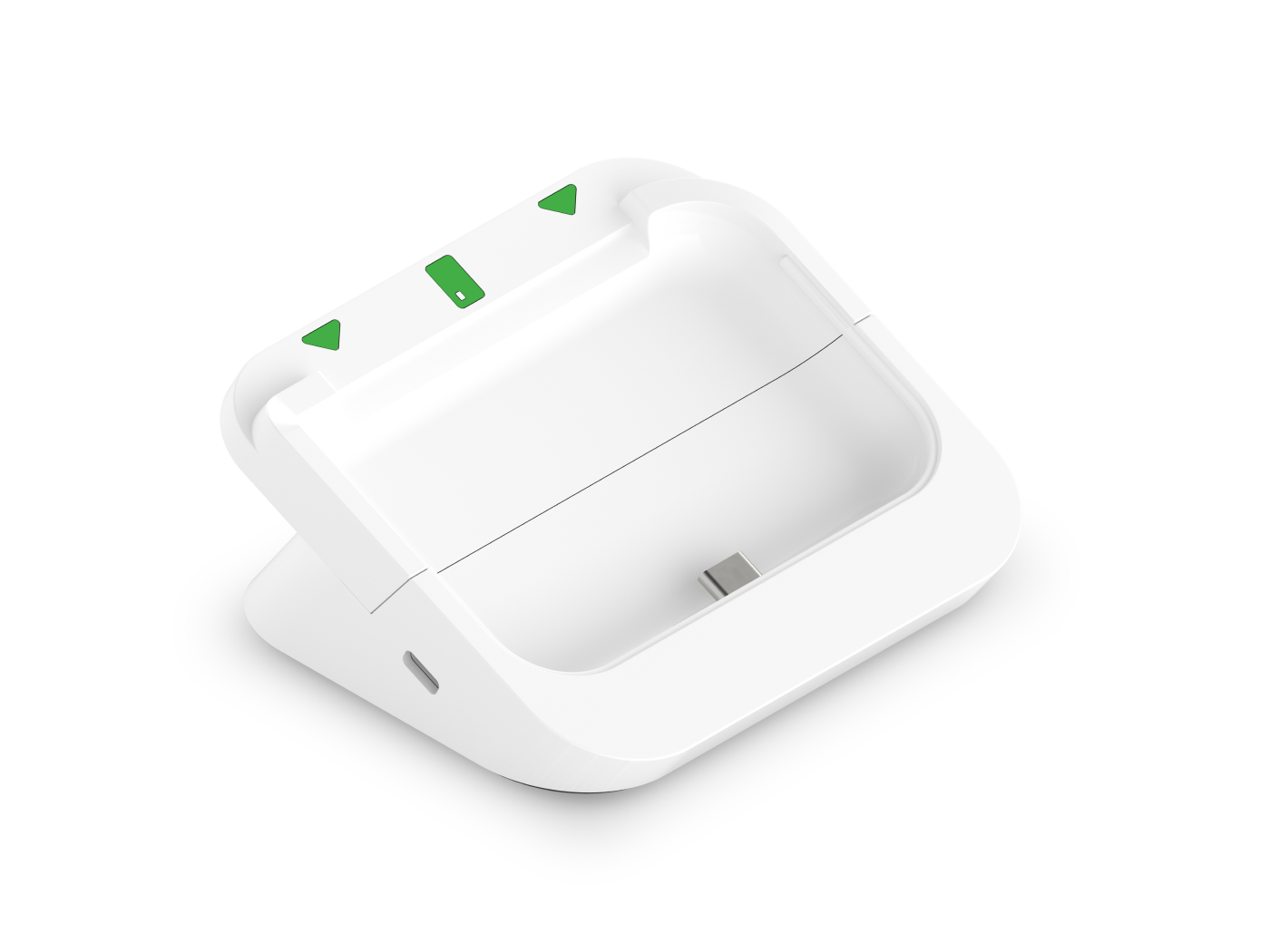
High-friction rubber foot keeps the Go Dock steady on various countertop surfaces. A double-sided adhesive sheet (included), and holes for screws/bolts (not included) allow for optional secure mounting. Go Dock supports a security lock.
Two Plan Options

Starter ($0/month)
Virtual Terminal
E-commerce Products
Developer Tools
Invoicing
Transaction Reports
Sales Tax Calculation
Essentials ($29.95/month)
All Starter Features, plus:
Basic Order Management
Basic Inventory Management
Advanced Reporting
Customer Engagement
Please Note: Clover directly bills the merchant an additional monthly $10 per merchant account.
Clover may alter, increase or change their prices fee from time to time. Prosper has no control over the changes made by Clover.

Applications & Tools to streamline your operations
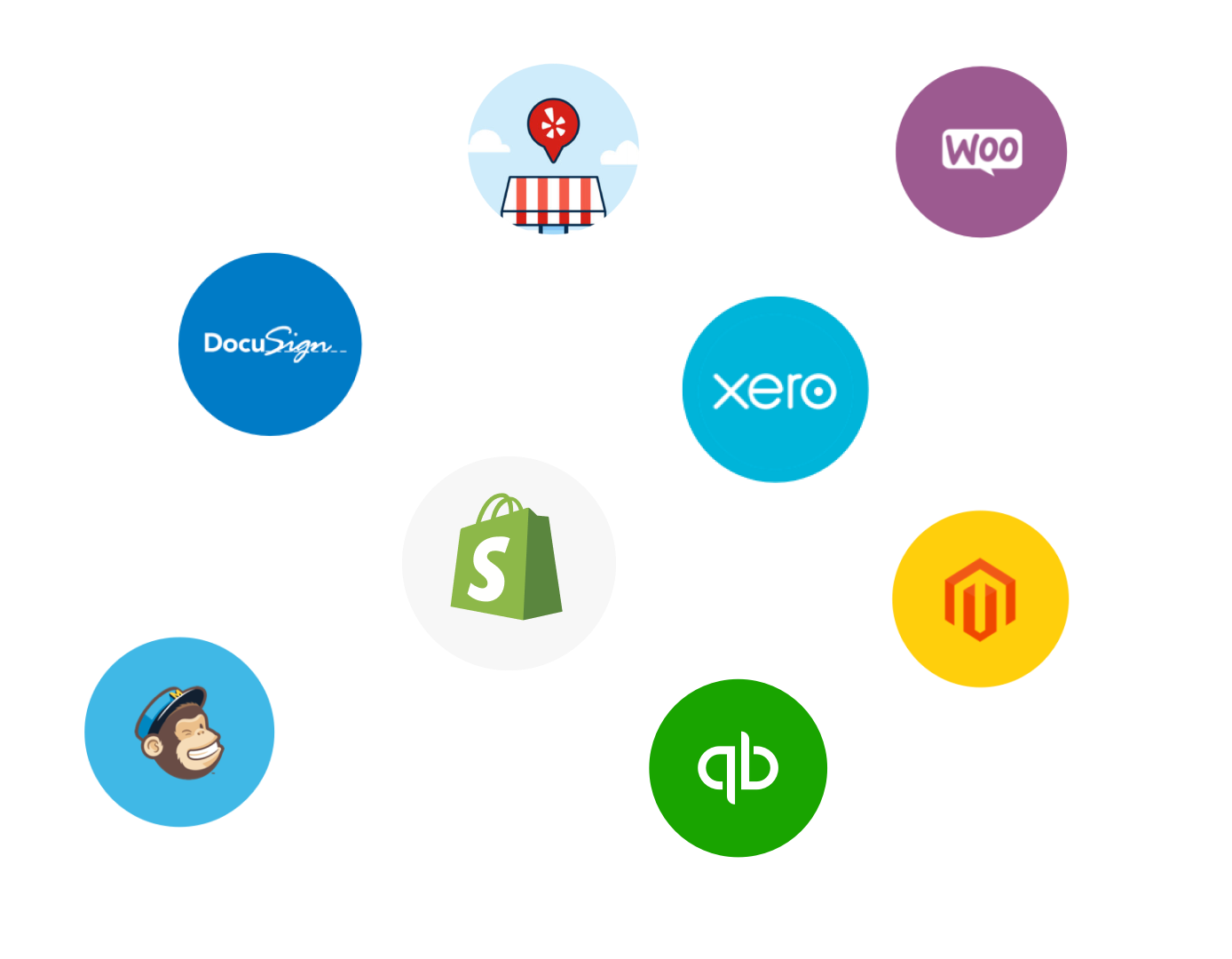
Clover POS enables the Clover App Market that has 200+ Apps to solve your business needs and thrive at your goals. Employ basic applications for payroll, timestamp, rewards & loyalty as well as 3rd party integrations like QuickBooks

Leverage management tools, streamline payments, and boost efficiency all with exceptional experience
Smart Tech

Unbox, Follow Instructions, Power it on, Connect to internet, Load Receipt Paper, Activate your account, and Collect payments
Simple Setup

Clover’s all-in-one POS solution is designed to fit your business—be it a restaurant, fashion store, or pet grooming service
Versatile Use

Get expert help anytime with support that keeps your business operations intact
Tech Support
Product Details
Accepts chip, dip, and contactless payments including Tap-to-Pay
Payments :
Stores digital receipts, sends them via email or text to customer-provided contact information, and tracks the status of outstanding balances
Digital Receipts :
Clover Security Plus and all day, every day support to assist you with your needs
Security and Support :
Compatibility: iOS 10 (Bluetooth LE required) and Android 4.4 (and higher)
Compatibility:
Micro USB for charging, Bluetooth® to mobile device for payments
Connectivity :
Estimated 160 dip, 160 swipe, or 130 contactless transactions per charge
Battery Life:
Clover For


