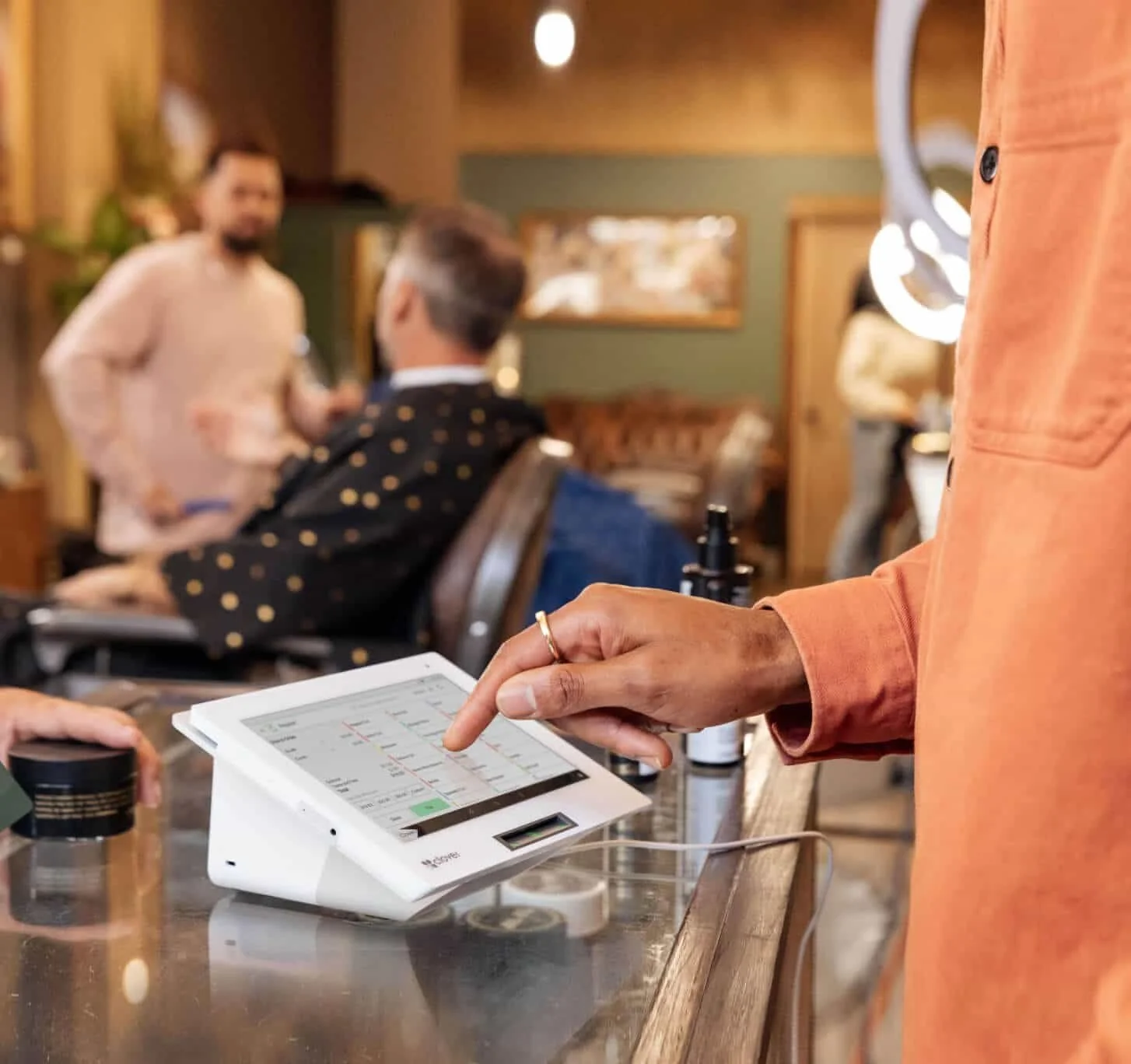
Clover For Restaurants
One robust POS to run it all
Quick-Service Restaurant (QSR)
Full-Service Restaurant & Bar
Food Trucks
Ghost Kitchen / Catering

Built for Hospitality
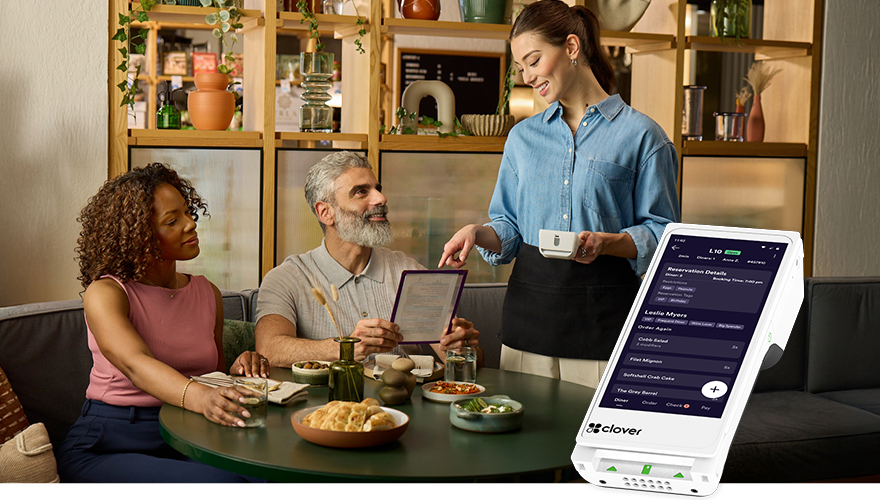
Streamline Reservations, Seating, and Waitlist management with Digital Table Mapping.
Take accurate orders and easily control course timing with Tableside ordering.
Give customers the flexibility and convenience of splitting the bill. Process payments securely and with ease, regardless of payment method.

Boost Revenue with Online Ordering
Orders placed online are instantly routed to your kitchen and Clover POS, making it simple to handle both pickup and dine-in (via Scan to Order) requests
Set up your menu, business hours, and other details in just minutes. Any updates you make later will automatically sync
Using the Clover App, you can offer Rewards, Promotions, and Feedback programs to show appreciation for your loyal customers
Employee Management
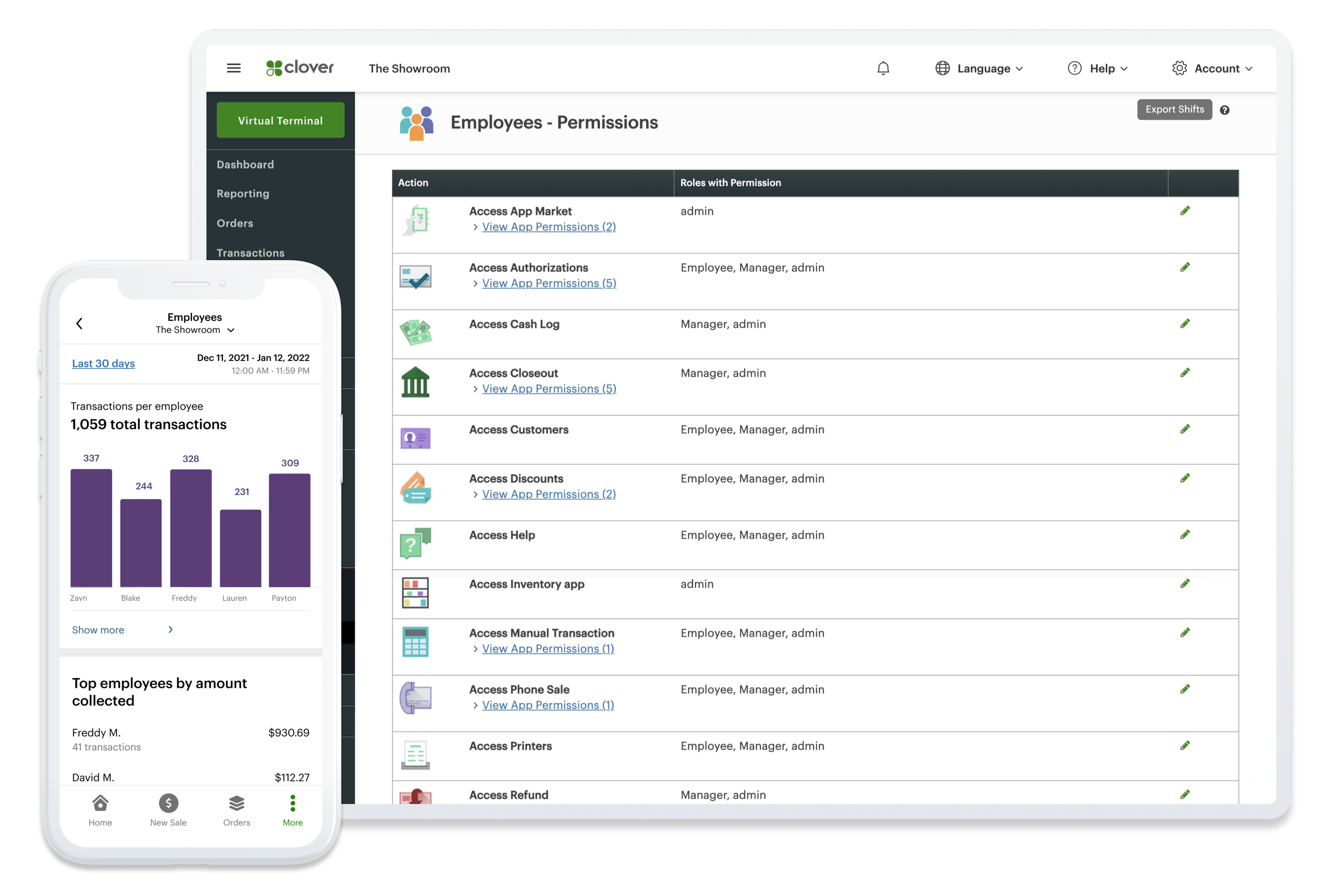
Identify top-performing employees, oversee Schedules and Timesheets, and configure system permissions to monitor your most valuable team members.
Add apps for Payroll, Hiring, etc. to help you do even more.
Virtual Payments
Offer flexible payment solutions beyond the counter with Virtual Terminal to do online Invoicing, and Subscription/Recurring billing.
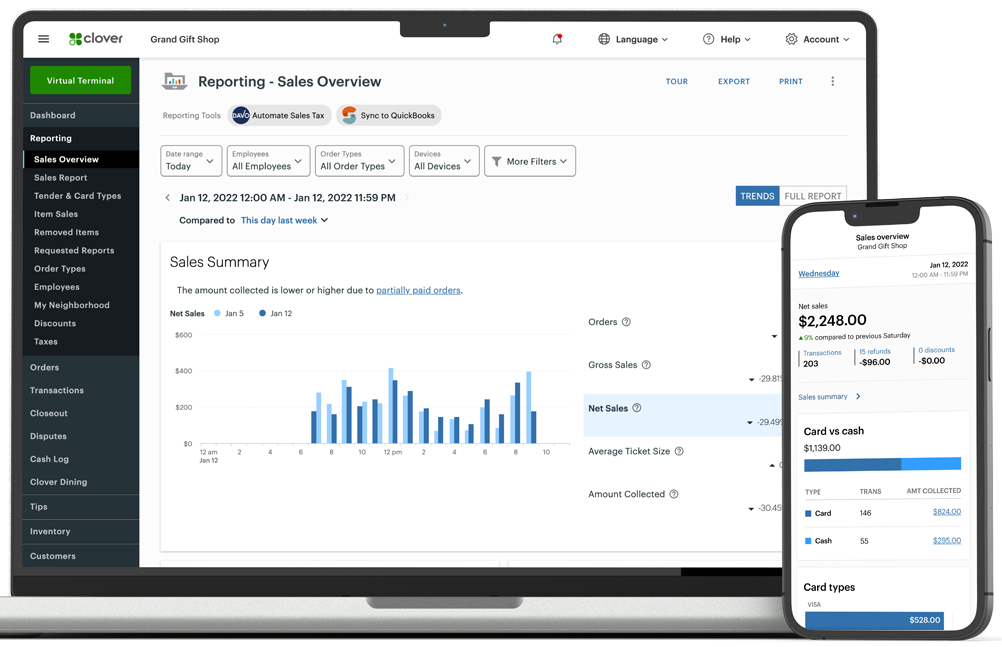
Sales Report
Reporting and analytics drive your business forward. Curious about today’s performance or how it stacks up to the same day last week or last year? The answers are always available.
Applications & Tools to Streamline Your Operations
Clover POS enables the Clover App Market that has 200+ Apps to solve your business needs and thrive at your goals. Employ basic applications for Payroll, Timestamp, Rewards & Loyalty as well as 3rd party integrations like QuickBooks

Clover Kitchen Display System (KDS)
Connect front-of-restaurant service, online orders, and kitchen staff with the Kitchen Display System that serves up seamlessly
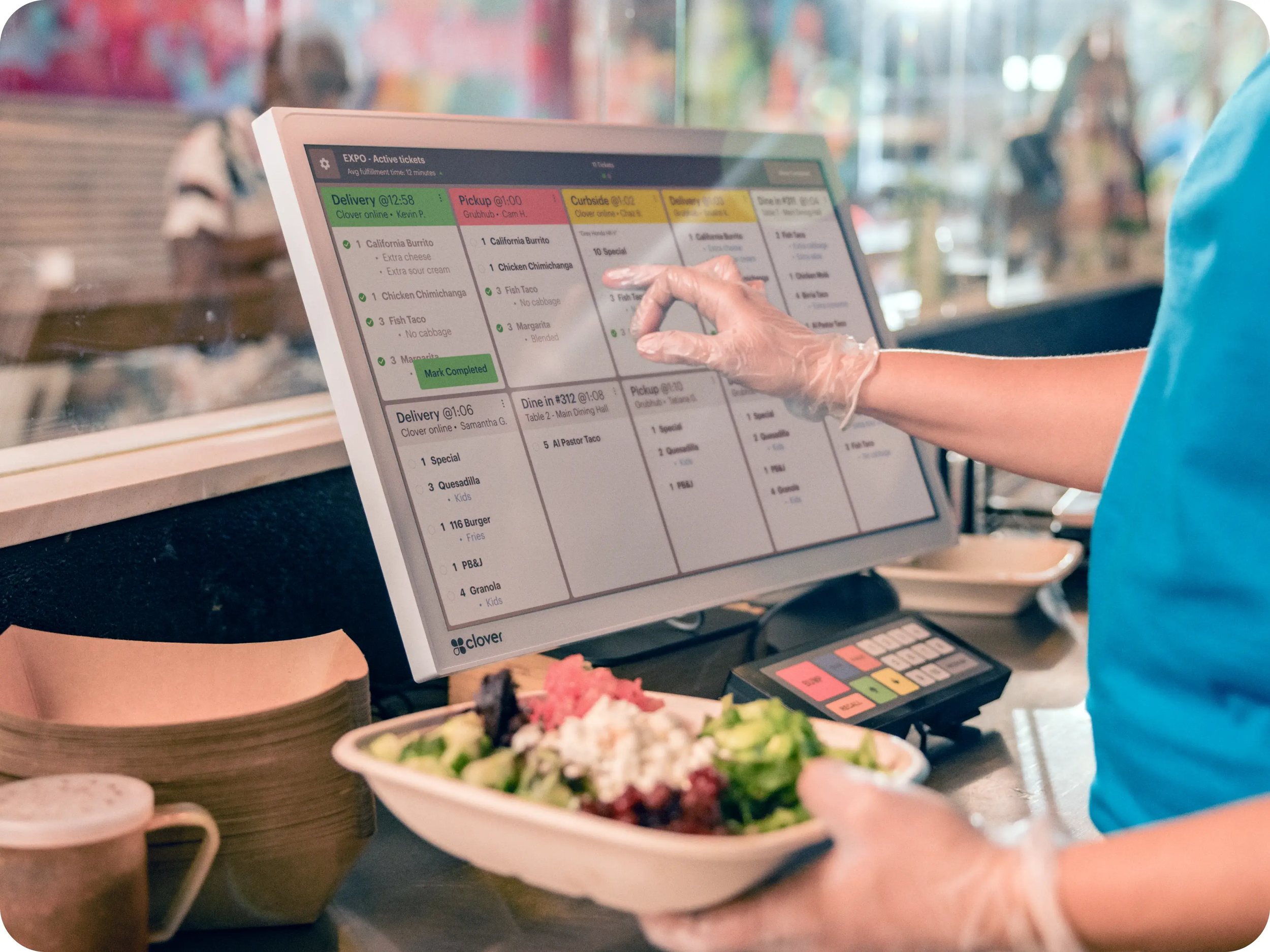
High Temperature Resistant Body (approximately 120F)
Monitor Ticket Time, Order Status, Preparation Time and Fulfillment reporting
24” and 14” display options- chemically strengthened cover glass with anti-glare and anti-fingerprint coating
Additional software price applicable
($ 25/month for each KDS)
Bump Bar provides access to your KDS right at your fingertips- all without dirtying the screen

Clover Kiosk: Serve Up Customer Satisfaction
Efficiency is a key ingredient!
Clover Kiosk, complete with a payment terminal and built-in printer, speeds up the ordering process while giving your customers complete control over their meal, enhancing their experience and boosting profitability
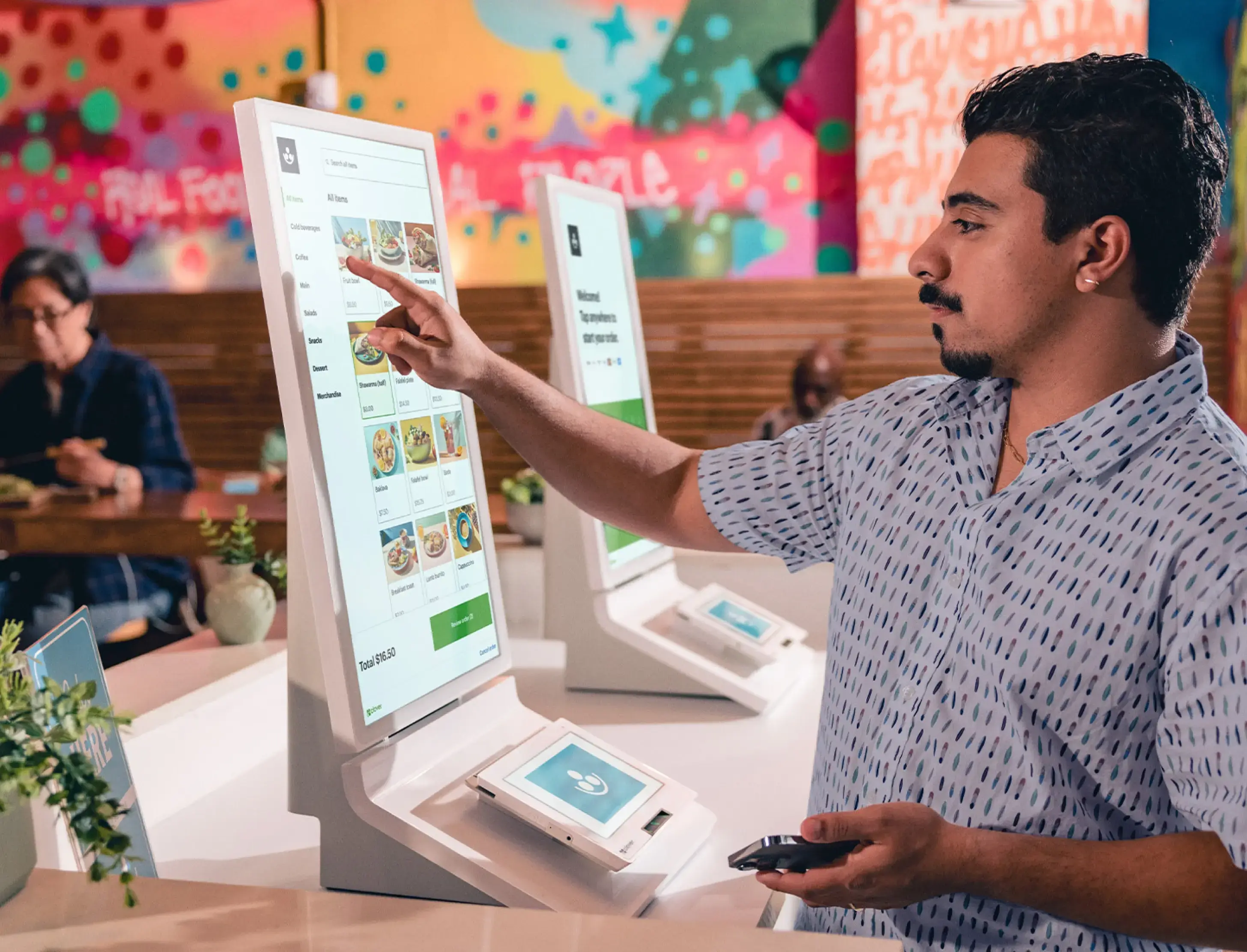
Wait times are lowered and front-of-house can focus on important tasks to enhance customer experience
Integrated Workflow- Menus are automatically imported and synced across all devices
Option to have it Floor Stand, Wall mounted, or Countertop
Additional software price applicable
($ 34.95/month per Kiosk)

Leverage management tools, streamline payments, and boost efficiency all with exceptional experience
Smart Tech

Unbox, Follow Instructions, Power it on, Connect to internet, Load Receipt Paper, Activate your account, and Collect payments
Simple Setup

Clover’s all-in-one POS solution is designed to fit your business—be it a restaurant, fashion store, or pet grooming service
Versatile Use

Get expert help anytime with support that keeps your business operations intact
Tech Support

Software Plans
-
no fees for first device
$11.95/month for each additional device
Devices:
Flex
Flex-Pocket
Mini
Compact
Go
Starter Features:
Virtual Terminal
E-Commerce Products
Developer Tools
Invoicing
Transaction Reports
Sales Tax Calculation
-
no extra for first device
$11.95/month for each additional device
Devices:
Station Solo
Station Duo
Flex
Flex-Pocket
Mini
Go
Includes Starter Features, Plus:
Basic Order Management
Basic Inventory Management
Customer Engagement (Loyalty)
Advanced Reporting
-
$19.95/month for each additional device
$25/month per KDS
$34.95/month per Kiosk
Devices:
Station Solo
Station Duo
Flex
Flex-Pocket
14” or 24” Kitchen Display Screen (KDS)
Kiosk
Mini
Includes Essential Features, Plus:
Online Ordering- Takeout & Delivery
Item Modifiers
Table Mapping
Tableside Ordering & Payments
Remote Order Printing
Auto Coursing
Please Note: Clover directly bills the merchant an additional monthly $10 per merchant account.
Clover may alter, increase or change their prices fee from time to time. Prosper has no control over the changes made by Clover.

- Ideal for Counter-Service/ Full-Service Restaurant & Bar
- Merchant and Customer Facing Screens
- Includes Thermal Receipt Printer + Cash Drawer
- Integrates with Barcode Scanner and Weighing Scale

- Fits all restaurant settings
- Ideal for Quick-Service Restaurants & Food Trucks
- Merchant Facing 14" HD touchscreen
- Integrated thermal receipt printer

- Powerful for small spaces like Food-Trucks & Bakeries
- Compact countertop device
- Accepts all payment types
- Integrates with Cash drawer and Scanner

- Perfect for Table Service, Bakeries & Food Trucks
- Portable smart terminal
- Built-in receipt printer
- Buit-in Camera + Barcode scanner

- Pairs with your smartphone
- Accepts chip, tap, swipe
- Digital Receipts
- Ideal for on-the-go payments
Clover For